If you have any questions about our product, I’d be happy to chat!

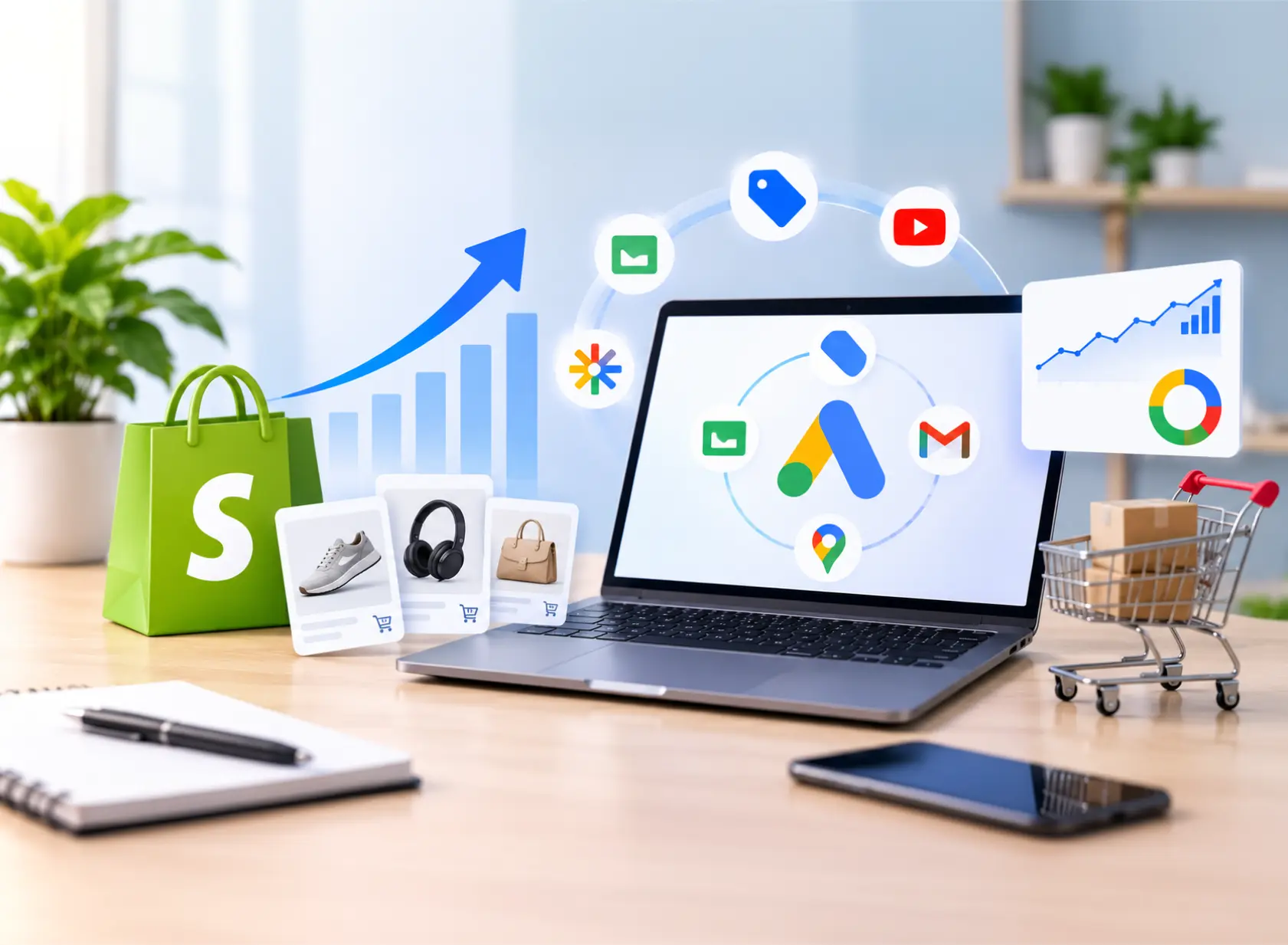
Performance Max for ecommerce turns your product feed into profitable sales across Google by showing your products on Search, Shopping, YouTube, Display, Gmail, Discover, and Maps from one campaign. Google’s AI decides where ads appear and who sees them, so results depend on what you give it: accurate purchase tracking, a clean Merchant Center feed, strong creative, and ROAS targets based on real margins. This guide walks Shopify store owners through setup, campaign structure, scaling, profit tracking, and a Black Friday and Cyber Monday plan for 2026, plus the mistakes that quietly waste ad spend.
Yes, for stores that give it reliable data. Google’s own PMax guide reports that advertisers who shifted from Standard Shopping to Performance Max saw a 25% average increase in conversion value at a similar ROAS. Treat that as Google’s average, not a guarantee. The trade-off is control: you set the inputs and guardrails, and Google’s AI makes placement and bidding decisions.
PMax works best when you have:
Below these thresholds, start with Standard Shopping or a feed-focused PMax campaign.

According to Google’s documentation on how Performance Max interacts with other campaigns, PMax and Standard Shopping now follow normal auction dynamics. Since October 2024, when both target the same products, the campaign with the higher Ad Rank serves. If your PMax target ROAS is set too high, Standard Shopping may serve instead.
| Factor | Performance Max | Standard Shopping |
|---|---|---|
| Where ads show | Search, Shopping, YouTube, Display, Gmail, Discover, Maps | Shopping results and related surfaces |
| Control | Inputs and guardrails | Product groups, bids, negatives |
| Reporting | Channel, search term, asset, audience, placement | Full search term and product data |
| Best for | Scaling proven products, finding new customers | Tight control, testing, low-margin items |
Many stores run both: PMax for bestsellers, Standard Shopping for products that need control. Google’s experiments tool can compare the two on the same products.
If your theme or tracking needs custom work, our Shopify development team can fix it at the source.
PMax builds Shopping ads and much of its targeting from your feed. According to Google’s guidance for the Google & YouTube app, products without a GTIN need an MPN and brand, you can send your SEO product titles to Google Shopping, and some Shopify discounts sync automatically as promotions.
Prioritize:
In the Merchant Center, set accurate shipping times and return policies, which can appear as annotations on your listings. Product star ratings require at least 50 reviews across your catalog.
By default, PMax maximizes revenue, not profit. Start with your break-even ROAS:
Break-even ROAS = 1 ÷ gross margin
| Gross margin | Break-even ROAS |
|---|---|
| 30% | 3.33 (333%) |
| 40% | 2.50 (250%) |
| 50% | 2.00 (200%) |
| 60% | 1.67 (167%) |
Set your target above break-even to cover shipping, returns, and overhead, and group products by margin so a 30%-margin product isn’t held to the same target as a 60%-margin one. This margin-aware structure is the foundation of profitable ecommerce marketing.
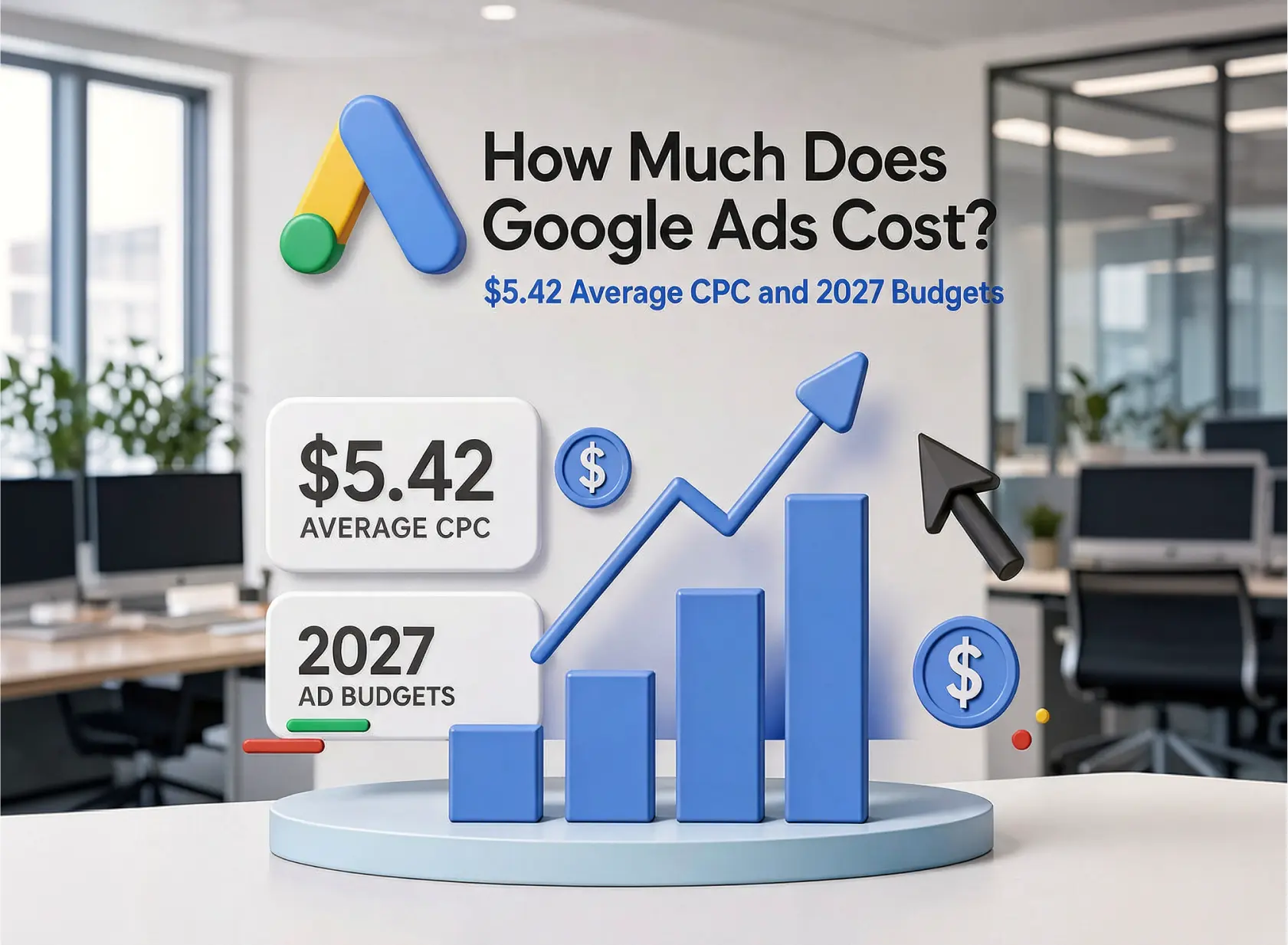
Budget math: monthly budget = target monthly conversions × expected cost per purchase. Illustrative example: 30 purchases at about $40 each is roughly $1,200 a month, or $39 a day. For wider context, see our guide to how much Google Ads costs.
Splitting too early spreads data thin, so start simple. This is common practice, not a Google rule:
| Campaign | Products | Bidding |
|---|---|---|
| Brand Search | Brand terms | Separate Search campaign, paired with PMax brand exclusions |
| PMax: Core | Proven products | Maximize conversion value, then target ROAS |
| PMax: Hero | Top sellers | Own budget and margin-based target |
| PMax: New and seasonal | Items without history | Maximize conversion value, no target |
| Standard Shopping | Low-margin or test products | Manual control or target ROAS |
Feed-focused or full-asset? Start feed-focused if your creative isn’t ready or you want spend concentrated on Shopping. Go full-asset when you have real images and video and want reach across YouTube, Display, and Discover.
Google’s asset group best practices recommend adding as many assets as possible:
| Asset | Google’s guidance |
|---|---|
| Headlines | 3 to 15 (30 characters); 11+ recommended |
| Long headlines | 1 to 5 (90 characters) |
| Descriptions | Up to 5 (90 characters) |
| Images | Up to 20 |
| Videos | Up to 5 |
Without a video, Google may auto-generate one, which often looks generic. A 15 to 30 second product video filmed on a phone gives you more control. Mix product shots with lifestyle and customer photos, write headlines around real selling points like free shipping and guarantees, and treat Ad Strength as a completeness check, not a performance score.
Prioritize customer lists first, then website visitors, then custom segments. In 2026, Google added first-party audience exclusions, so you can keep existing customers out of a campaign focused on new buyers. The same update added a budget report that projects end-of-month spend and placement reports segmented by network.
Platform ROAS includes repeat buyers who might have purchased anyway. For a truer picture:
Google says new campaigns typically need 1 to 2 weeks to learn, sometimes up to 6, and recommends running them for at least 6 weeks before evaluating. After significant changes, allow 1 to 2 weeks or one conversion cycle.
Much of the scaling advice online warns that budget increases “reset learning.” Google’s Smart Bidding guidance says target changes don’t trigger a Learning status, and Google’s October 2026 documentation update says the same for budget, creative, and targeting changes, with the Learning status lasting no more than 7 days. New bid strategies and conversion goal changes still trigger learning.
Scale when a campaign is limited by budget and ROAS is above target. Raise budgets in clear steps, review weekly, and avoid several target changes within one conversion cycle, since extra budget often buys less efficient auctions.
Black Friday falls on November 27 and Cyber Monday on November 30. A PMax campaign launched in November won’t finish Google’s 6-week evaluation window in time, so focus on campaigns already running.
| Timing | Actions |
|---|---|
| Now to Nov. 13 | Fix feed and tracking issues, upload holiday creative, check Performance Planner, confirm stock |
| Nov. 14 to 24 | Set sale prices, submit promotions early, confirm shipping cutoffs and return policies |
| Nov. 25 to 26 | Raise budgets; add a seasonality adjustment only for a major expected conversion rate jump |
| Nov. 27 to 30 | Monitor spend and stock; avoid new bid strategies or goal changes |
| Dec. 1 onward | Reset budgets and review results against break-even ROAS |
Google recommends submitting Merchant Center promotions at least 24 hours before they start. Seasonality adjustments are designed for short events of 1 to 7 days with major conversion rate changes, and no negative adjustment is needed afterward.
Quick troubleshooting: if a campaign barely spends, check your target ROAS and listing groups. If it’s “limited by budget” with strong ROAS, raise the budget. If specific products never serve, check disapprovals and titles. If spend shifts to video or display, review the channel and placement reports and your creative.
If ROAS looks strong but profit isn’t moving, or you want your campaigns ready for the holidays, Seattle PPC’s ecommerce PPC team audits Merchant Center feeds, Shopify tracking, and PMax structure. Request a free Shopping and PMax account review to see where your budget is leaking.
Data Disclaimer: Platform rules and features come from Google Ads Help, Merchant Center Help, and Google’s announcements, checked in October and November 2026. The 25% and 15% figures are Google-reported averages, not guarantees. The 30-conversion rule, sample structure, holiday calendar, and budget examples are illustrative recommendations, not client results. Google updates Performance Max often, so confirm details in official documentation. Results vary by store, margin, and competition.
Yes, for stores with accurate purchase tracking, a healthy feed, and steady sales. Without good data and margin-aware structure, it can overspend on low-margin products and branded traffic.
Many stores use both. When both target the same products, the higher Ad Rank serves. Use PMax to scale proven products and Standard Shopping for tight control or testing.
Typically 1 to 2 weeks, sometimes up to 6. Google recommends running new campaigns for at least 6 weeks before evaluating them.
Only if you can launch at least 6 weeks ahead. For Black Friday 2026, improve existing campaigns, feeds, promotions, and budgets instead.
According to Google’s October 2026 guidance, budget, target, creative, and targeting changes don’t trigger a Learning status. New bid strategies and conversion goal changes still do.
Yes. The Google & YouTube app syncs products, links Google Ads, and supports enhanced conversions. Check that PMax optimizes toward purchases.
Actionable insights, strategies, and updates to help B2B businesses grow through SEO and performance marketing.




We’d love to hear from you. Fill out the form and let’s start building something amazing together.



 Ads